CorosLink
3 tracks · 25.4 MBYour library
Pick a playlist. Get it ready.
8.4 MBSynced
9.8 MBTransferring
7.2 MBQueued
Your music, your routes, your next personal best.
Bring it all together on desktop.
Free COROS desktop app for Mac, Windows & Linux. Plug in. Make it yours.
CorosLink is an independent, community-built app. It is not owned by, affiliated with, endorsed by, or supported by COROS.
 Anonymous supporter
 rahmat
 propy
propy Fabien Deparis
 mmatti
 Anonymous supporter
Your favorites, connected.
One COROS desktop app. All your moving parts.
Recovery, sleep, activity and fitness. Your training story, with room to see the whole picture. Learn more
COROS music transfer
Pick your music. Plug in your watch.
Leave your phone behind.
Pick a playlist. Get it ready.
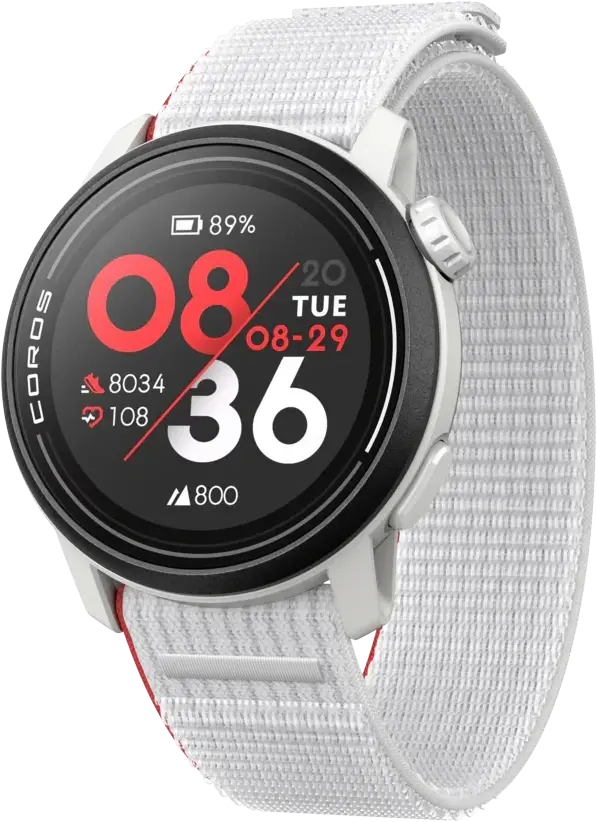
Pace Pro connected via USB
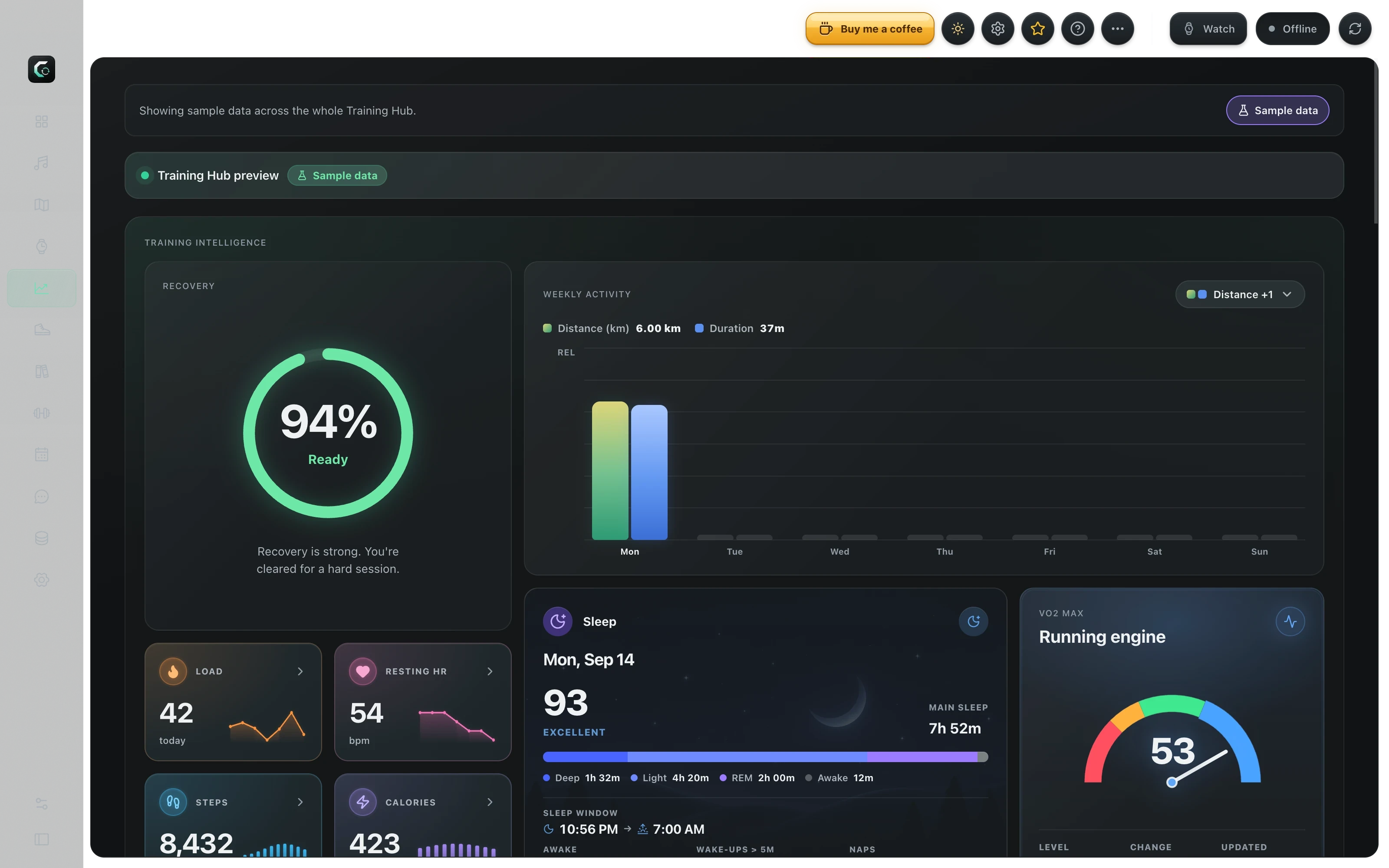
COROS training analytics
Your recovery, fitness and every mile.
See how it all adds up.
Recovery
Recovery is strong. You're cleared for a hard session.
Load
0686 / 7 daysResting HR
50+0.3 vs avgWeekly Activity
Distance (km)VO2 Max
Running engineTraining Activity
Load heatmap
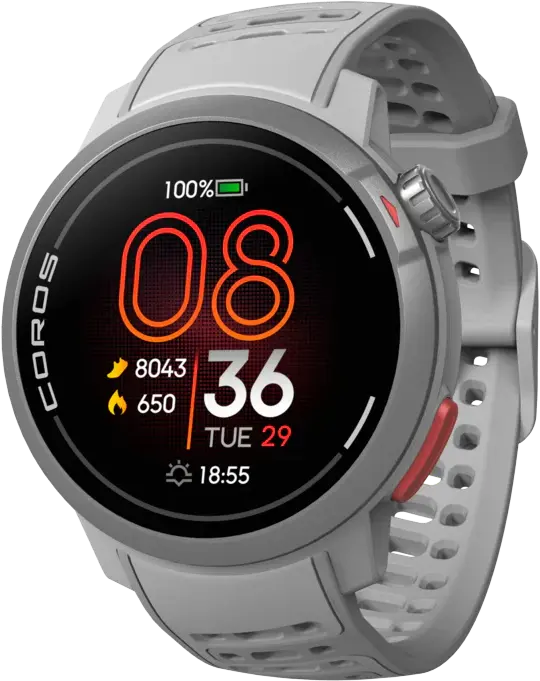
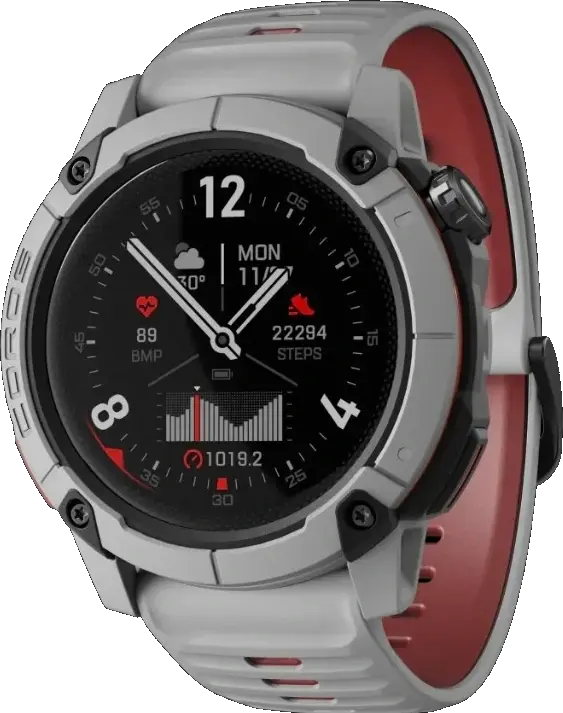
COROS watch faces
Find your look. Or create it in Studio.
Find your face Design your own in StudioReady when you are
Pick your computer. Plug in your COROS.
Make it yours.
Support the project
Late-night USB debugging, map tiles, and playlist fixes all run on caffeine. If CorosLink saves you a sync headache, buy me a coffee.
Yes. CorosLink is free and open source, with no CorosLink subscription. Optional connected services may have their own accounts, setup requirements or costs.
Supported features depend on your watch. Music transfer needs a music-capable COROS watch and a USB connection. Offline maps need a model with map support. Check the docs for your model before downloading maps.
Bring in playlists from Spotify, YouTube or Apple Music, then transfer local MP3s over USB. Spotify and Apple Music tracks are matched through YouTube; their protected streams are not copied. You can also download public podcast episodes. Source setup may be required.
Build or import a route on desktop, export the GPX file, and use QR sharing to open it on your phone. Import it into the COROS mobile app to send it to your watch. Offline map packages transfer over USB on supported models.
There’s no CorosLink account. Sign in to COROS for training and calendar features, and connect music services when you want to use them. Your library and app settings stay on your computer.
No. CorosLink is an independent, community-built app. It is not owned by, affiliated with, endorsed by, or supported by COROS.